
You’ve heard of a smart home making life more efficient and comfortable, yet making the change does not seem like an easy decision. Whether you don’t know where to start, what devices to get, or are simply too daunted by the shift to call a home automation company, this guide has everything you need to start your smart home journey conveniently, understanding and adopting technology with peace of mind. Read on!
Do You Want to Start Your Smart Home Journey?
Setting up a smart home is more than just about making things ‘easier’. By simplifying and automating, you are in fact making more time to do things you love and connecting with others. Moreover, a smart home is immensely helpful for anyone looking to achieve a work-life balance. Energy management and saving are also significant factors why smart homes are becoming increasingly popular.
Start small with the basics, making those things and functions ‘smart’ that you interact with daily. Check out the key categories of devices for smart homes and take note of everything that is compatible and useful.
Audio Hub
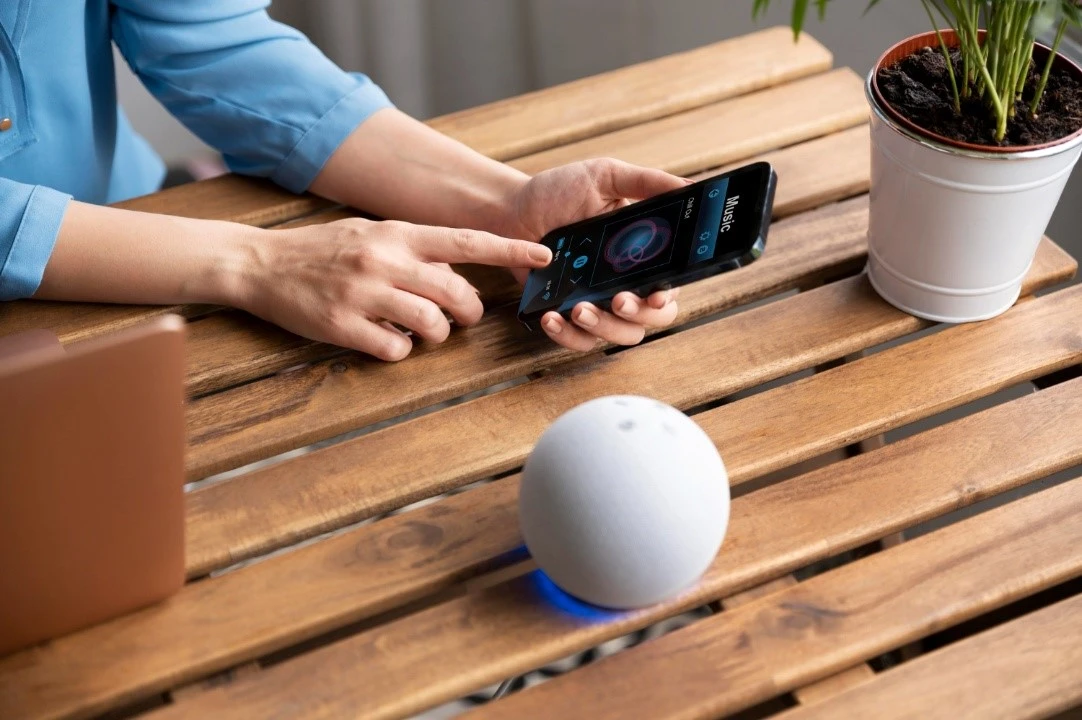
A key aspect of turning your apartment, condo, or house into a smart home is giving voice instructions. Choose a hub like the Alexa Speaker, that is compatible with Amazon Alexa, for top-notch performance. Smart speakers are not only responsible for the output but also take voice commands to manage other smart devices.
Lighting
Turning the lights on or off, or dimming, these tasks burn so little calories, but so much of your patience. Delegating the mundane action of controlling lights to automated controls when you set up a smart home helps you adjust brightness and change color. You can manage smart lighting with voice commands or taps on your phone for a hassle-free experience.
Temperature Control
Don’t feel like moving your laptop/blanket/book away from you to get up and change the thermostat settings? You can easily automate this part of your home by controlling separate heating and cooling appliances or a complete HVAC system via voice or smartphone controls.
Security System
To set up a smart home with complete peace of mind, don’t skip smart security systems. These help you keep an eye on your home from far away and get real-time alerts. Make your home efficiently secure by adding smart security cameras, motion sensors, and door locks. Once these are in place, then you can control on an app as well as by voice control.
Appliances
Once you cover the basics and have a budget to get large devices that are efficient and convenient to use and maintain, go for replacing the washing machine, refrigerator, coffee machine, and other daily-use appliances first. You can control settings, plus these appliances can inform you about low supply (e.g. items in refrigerator) maintenance needs and troubleshooting protocols.
Tip: Are you not ready to replace your appliances and gadgets when you start your smart home journey? Smart outlets and switches can help you establish remote access for non-smart electronics. These are more popular for appliances like TVs, slow cookers, and coffee machines.
Essential Steps to Set Up a Smart Home
First things first, consider your budget and what you actually need to elevate comfort and joy in your home. Assess your goals: do you want to create an accessible environment for someone who has limited mobility? Should your space cater to someone who has to do their office work from home?
Target the areas where adding ‘smart’ devices and upgrades will help, and start setting up a smart home from there on.
1. Selecting a Suitable Ecosystem
Choose a smart home system that fits your budget and requirements, plus how tech-savvy each member of your home is. Some examples of leading smart home systems are Amazon Alexa and Google Home, with the Apple HomeKit also a great contender. If you have devices and gadgets on your wishlist, choose a system that will work with most of these.
2. Introducing Compatible Devices
The next step is choosing devices, as little or as many as you can easily afford, integrate, and use at the beginning. Begin with basic items such as smart thermostats, audio hubs, or lights. Grow your smart home setup gradually as you get more familiar with the technology.
3. Device Installation
Most devices come with manufacturers’ instructions for installations, and many of these are fairly easy to set up. However, for smart tech that you do not know how to install correctly, or you simply need an expert to handle this step to ensure correct and safe installation, hire a home automation professional.
4. Connectivity and Testing
If you have a smart home device or system that comes with its own app, then the configuration should be simple enough. Make sure you have strong wireless connectivity to complete installation, configuration, and usage with ease.
5. Appliance Integration
There are a few ways to integrate your IoT devices with a complete automation system. Voice commands are a convenient way of managing a smart home, but they may not be ideal for everyone and are sometimes not used. Relying on separate apps is usually ideal for home security and changing settings.
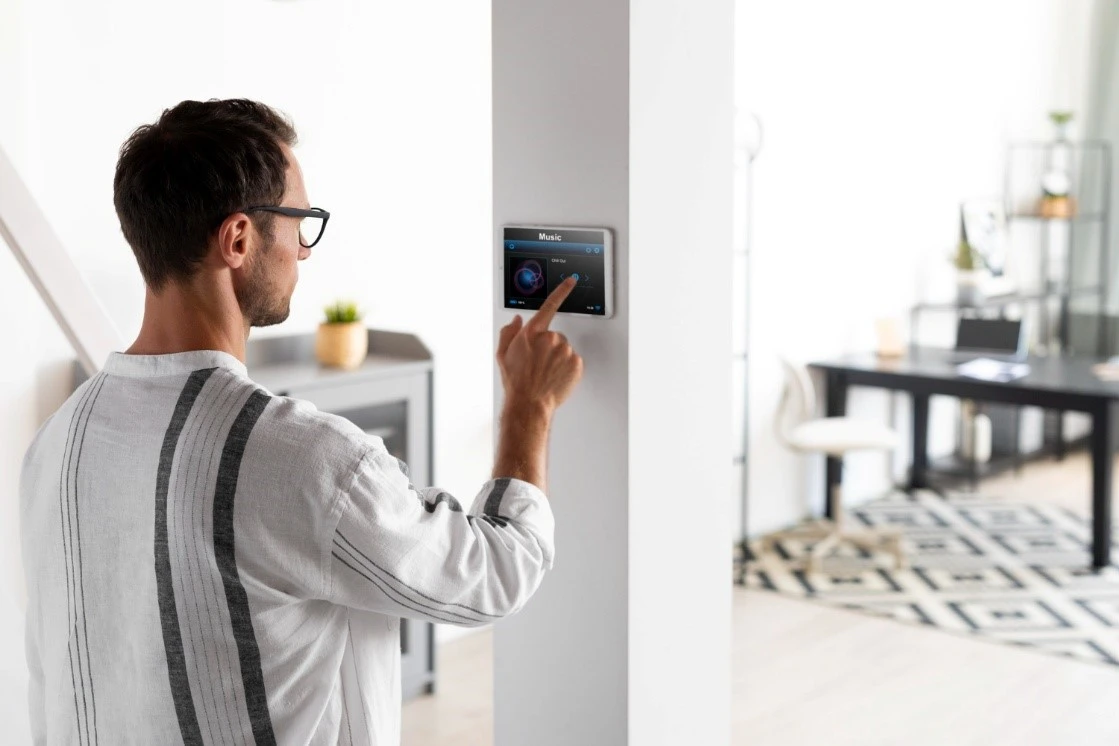
If you need a handy way to control daily-use technology, consider a smart dashboard on your phone or tablet that requires taps and swipes in one screen to control lights, sound, temperature, etc. Timers also come in handy to create automation routines and save time and effort, plus consume less energy.
6. Establishing Security Controls
For every individual device app and control panel that you use to manage your smart home, ensure protection via passwords and access control. Use a private Wi-Fi connection and strong passwords, and enable multi-step authentication.
7. Upgrades and Maintenance
Update your devices periodically to benefit from any new features, ensure safety, and avoid glitches and hangups. Make sure you turn on firmware update reminders to make the most of new features and security improvements as they are introduced.
Configure settings immediately when you face performance problems. An updated firmware and stable Wi-Fi/Bluetooth connectivity often solve many problems. Reach out to the device manufacturer or your home automation company’s customer support for precise diagnoses and solutions.
Bottom Line
It may feel overwhelming at first when you start your smart home journey, but taking small steps in adding devices, becoming comfortable with what you have before you grow it, and simplifying the system’s use are some ways you will come to enjoy and truly find comfort in your space. If you need help choosing an ecosystem and purchasing leading brand smart devices along with installation and configuration support, Neolux has got you covered. Let us know your needs and smart home goals, and start planning your efficient haven!

