




Support
We’re here after the install, too.
Warranty, service requests, downloads and help with the Smart Life app.
1-year replacement
Faulty devices are replaced within the first year. Keep your invoice handy.
Service request
Book an engineer visit for maintenance or changes.
Downloads
Product catalogue and datasheets.
Smart Life app
Install the app and add your home.
Service request
Tell us what needs attention.
Our support team will call you to arrange a visit.
Downloads
Catalogue & datasheets.
Smart Life app
Your home in your pocket.
Neolux devices run on the Smart Life app. Your installer adds your devices and shares the home with your family.
- 1. Install Smart Life – Smart Living from the App Store or Google Play.
- 2. Create an account with your phone number or email.
- 3. Accept the home invitation from your Neolux installer.
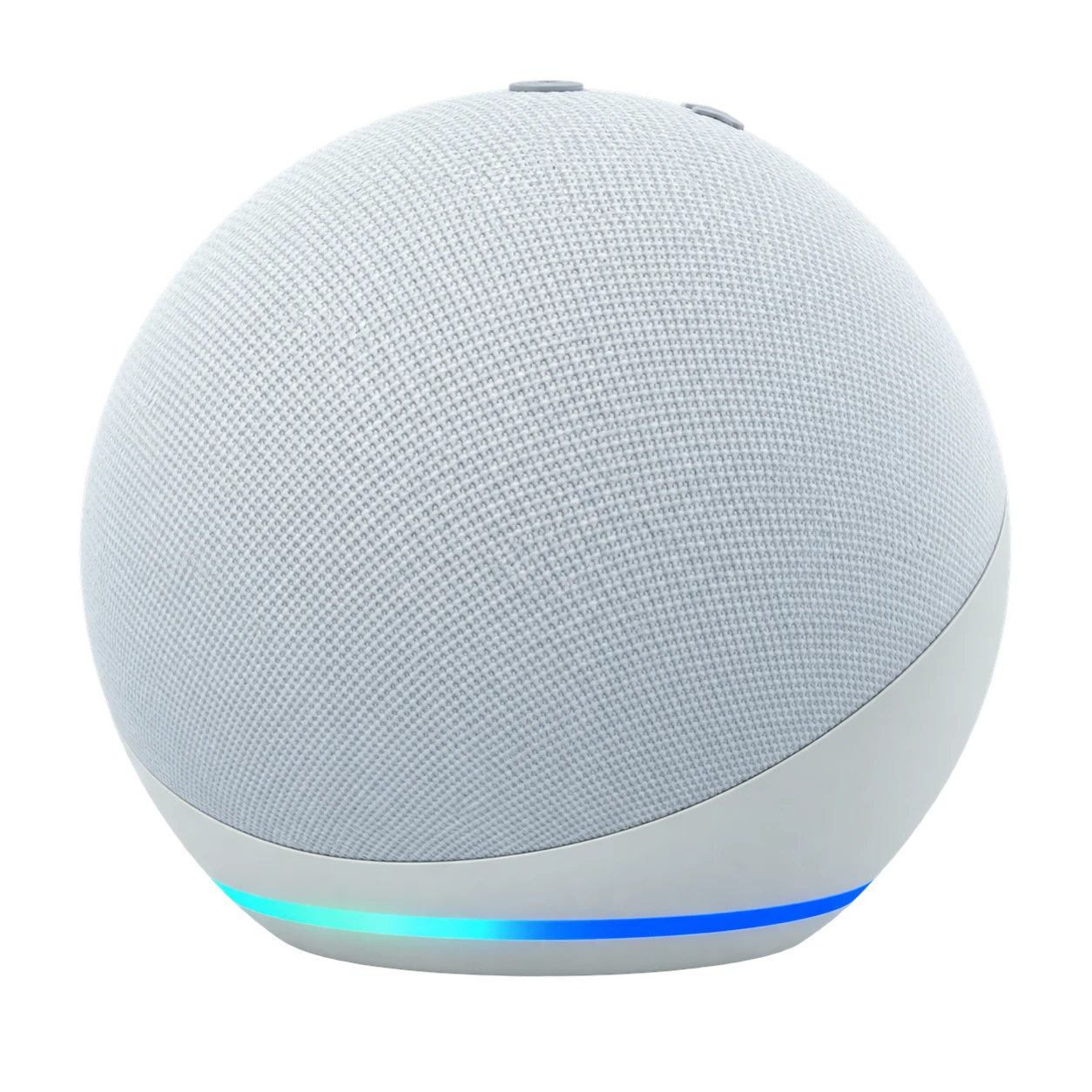
- 4. Link Alexa or Google Home under Me → Third-party services.
FAQ
Common questions.
Do I need to rewire my home?
No. Neolux smart switches fit standard back boxes and most homes need no new wiring. New builds can be planned for a fully wired system from the start.
What happens if the internet goes down?
Wall switches, panels and local Zigbee automations keep working. Remote app access returns as soon as the connection does.
Which app do I use?
Everything runs on the Smart Life app for iOS and Android, and works with Alexa, Google Assistant and Siri Shortcuts.
Is there a warranty?
Every Neolux device is covered by a one-year replacement promise, with on-site maintenance by our own engineers.
Which cities do you serve?
We are based in Karachi and Lahore and take on projects across Pakistan.
How long does installation take?
An apartment is usually done in a few days; a large villa in a few weeks. We give you a timeline with the proposal.