


Getting started
How to start your smart home: a step-by-step guide
Neolux Smart team ·
In short
Start with the rooms you use most and the controls you touch every day — switches and lighting — on one app. Check Wi-Fi coverage and wiring first, then add curtains, locks and sensors in stages. A site survey avoids buying devices your home cannot support.
1. Decide what you want the house to do
Write down three or four everyday moments you want to improve: arriving home, going to bed, leaving for work, travelling. Each one becomes a scene or a schedule later, and the list tells you which devices you actually need.
2. Check Wi-Fi and plan for a hub
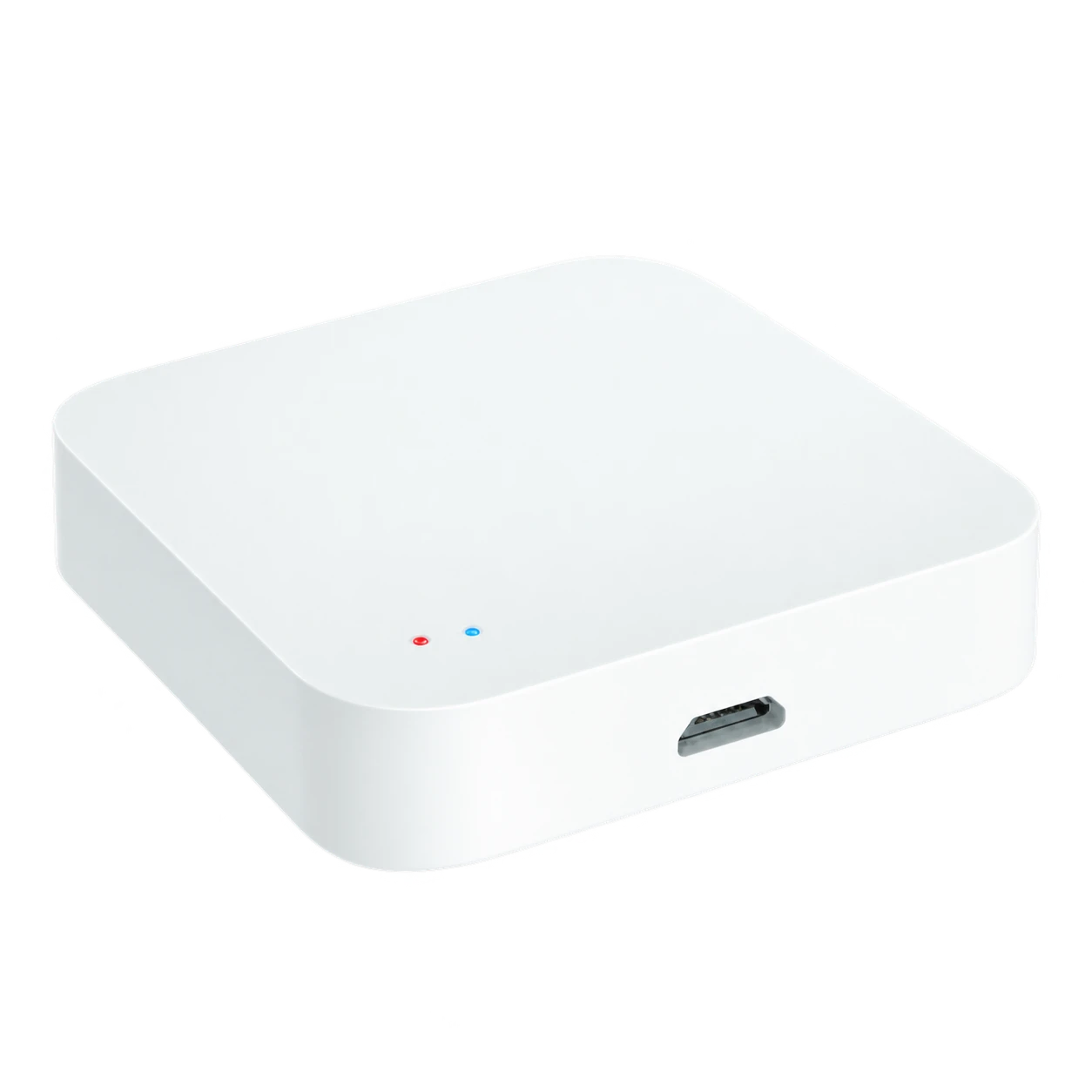
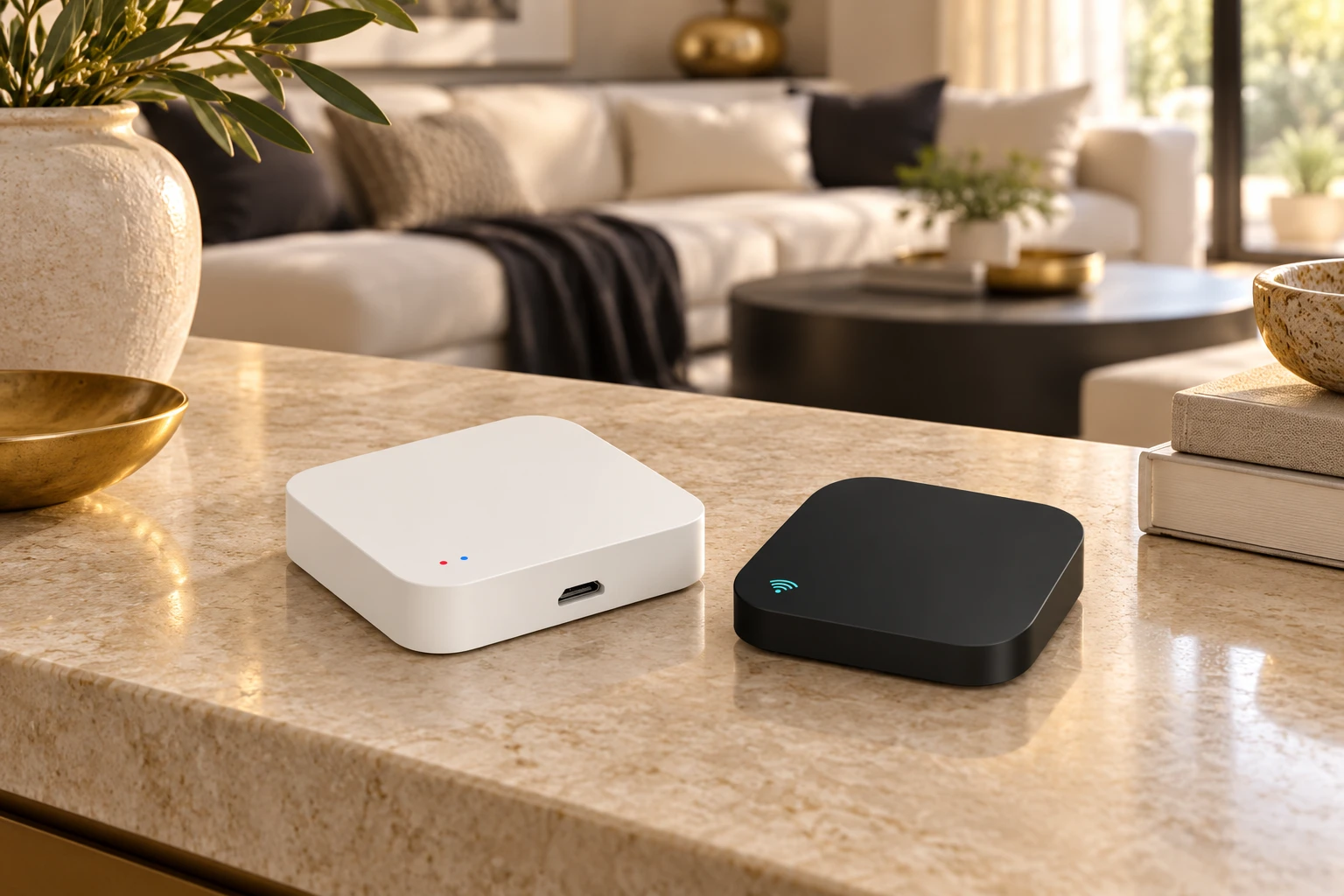
Wi-Fi devices need a good signal where they are installed, including bedrooms and outdoor areas. Larger homes usually add a Zigbee hub: Zigbee devices such as sensors talk to each other and to the hub, which keeps the system responsive and lowers the load on your router.
3. Start with switches and lighting
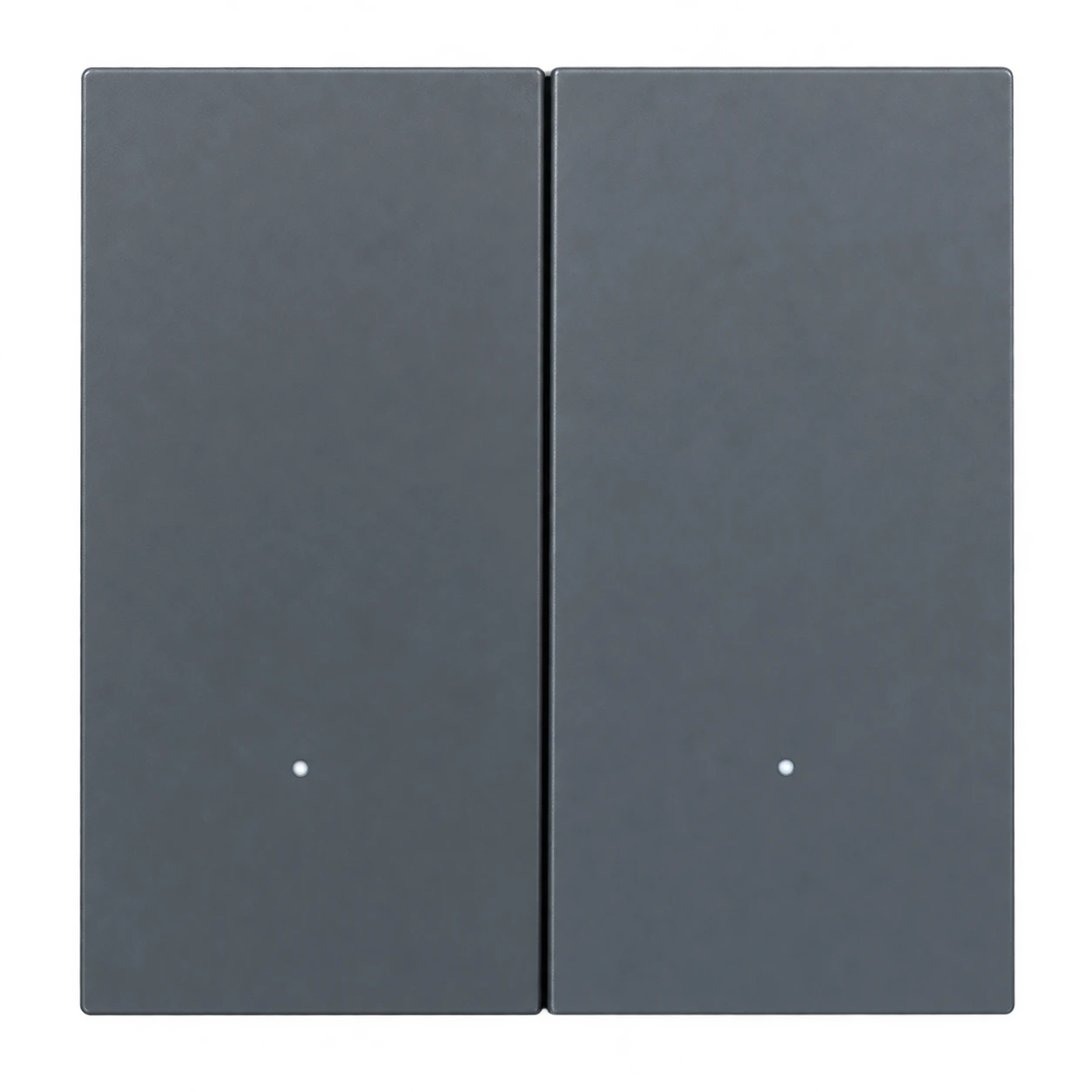
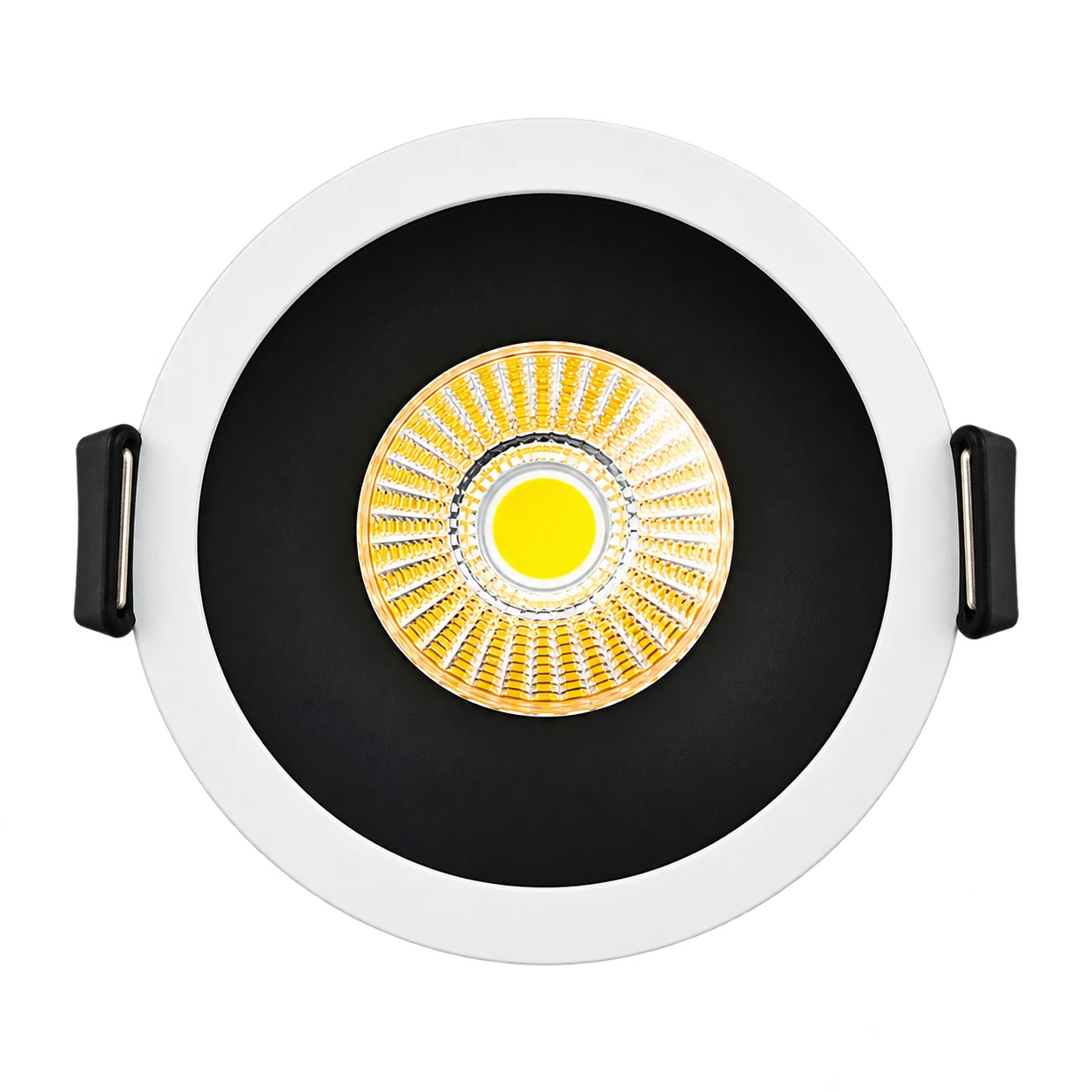
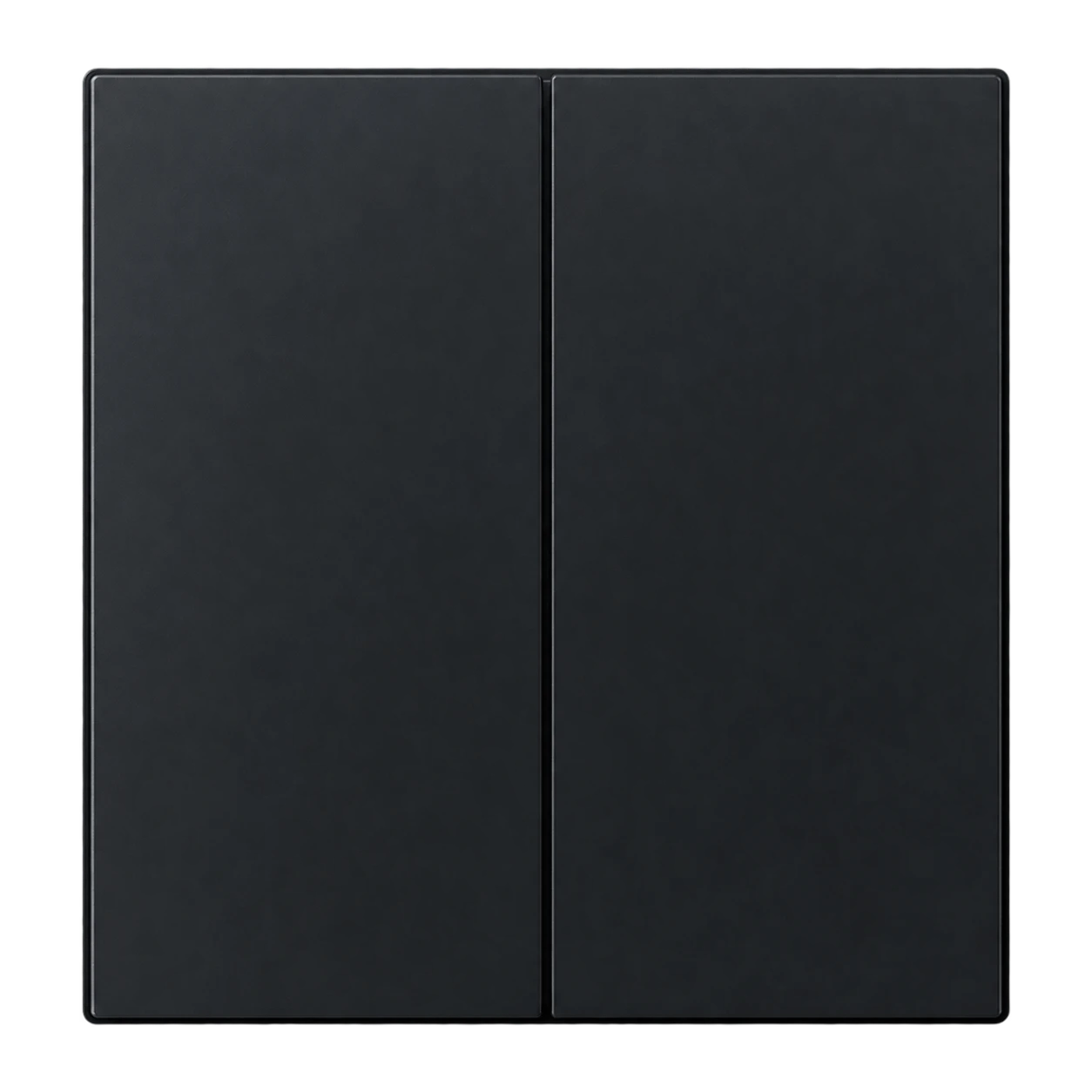
Smart touch switches replace existing switches in standard back boxes and give you app, voice and scene control of every light circuit. Add dimmers where you want mood lighting and fan speed control.
4. Add comfort, security and sensors
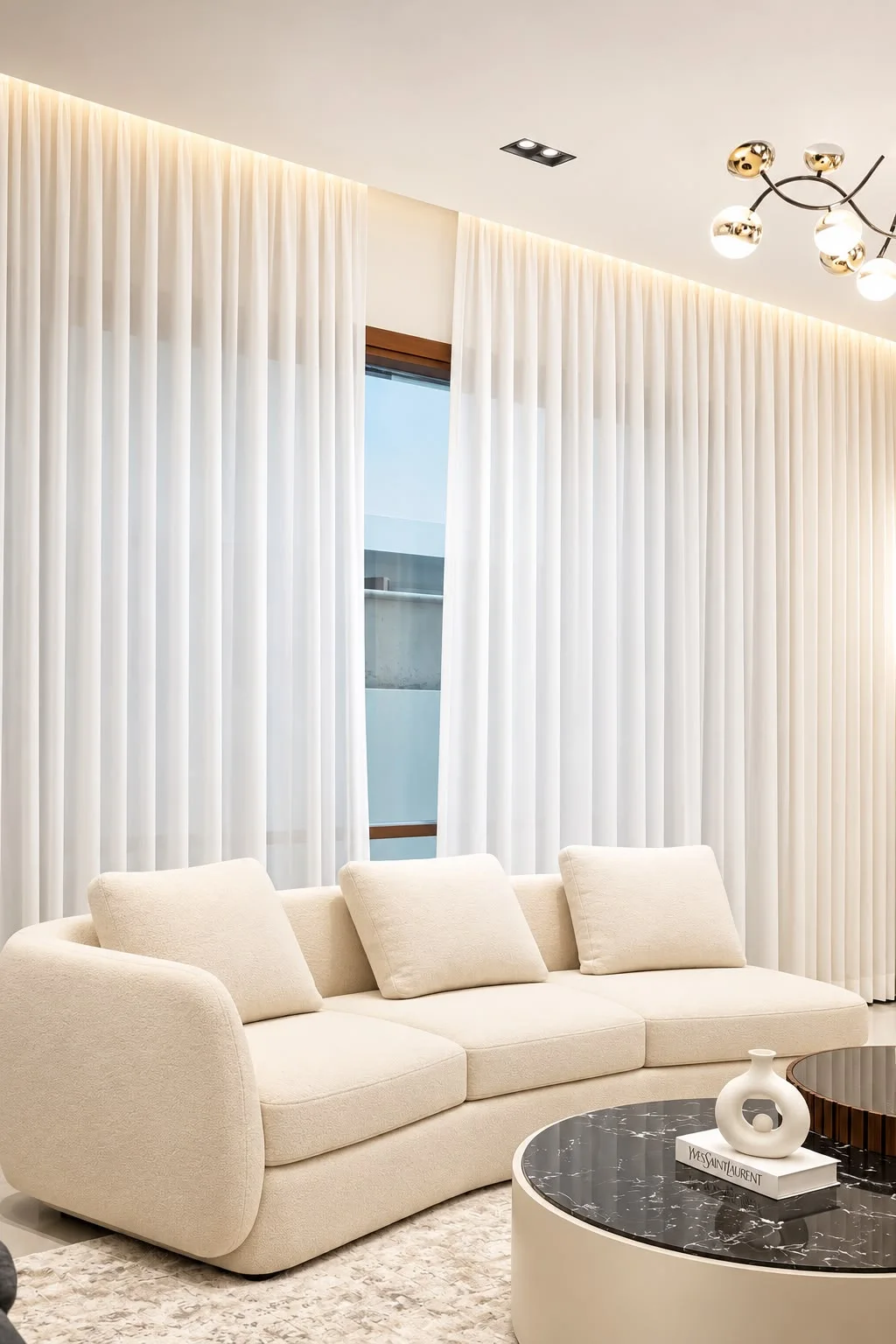
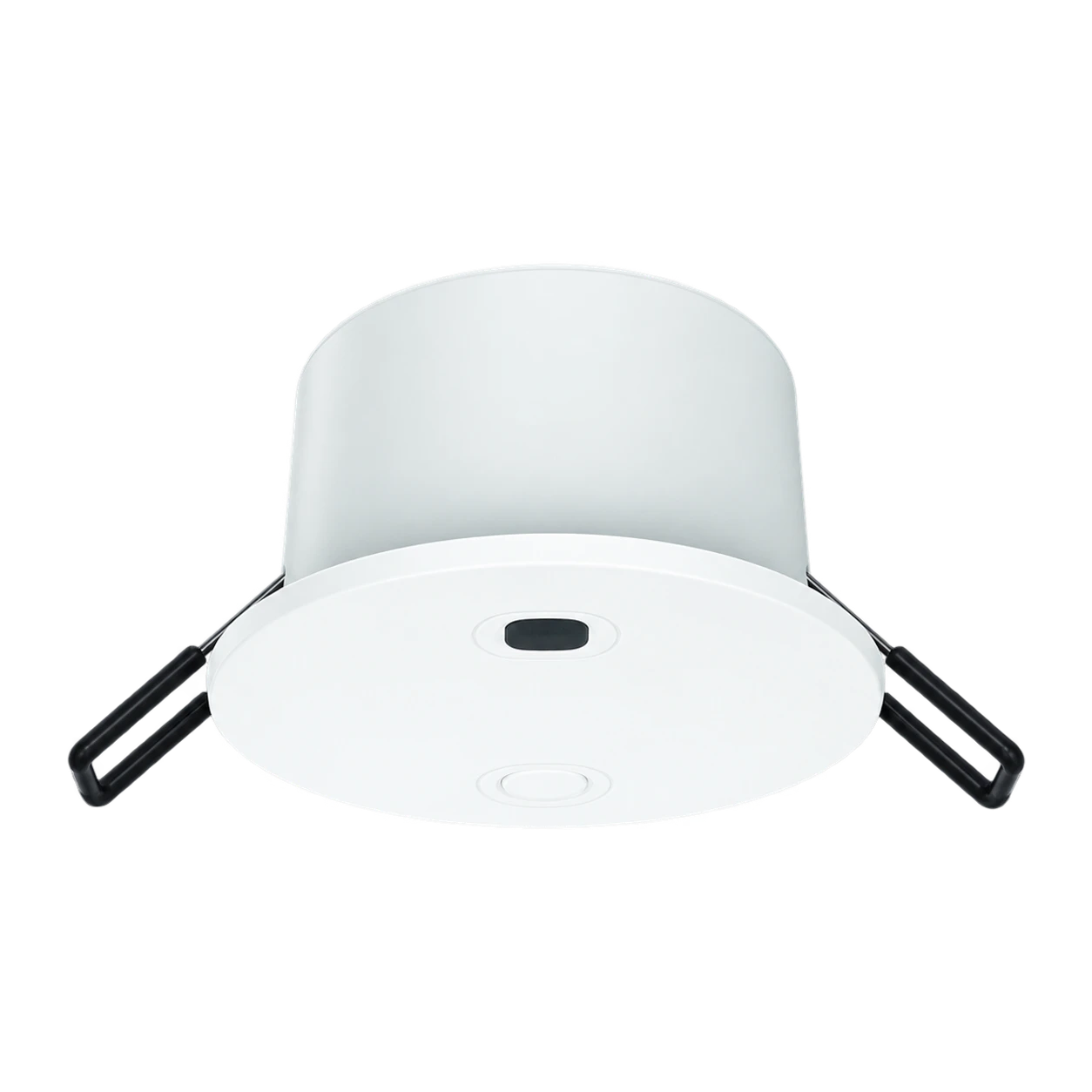
Once the lighting works the way you like, add motorised curtains in the lounge and bedrooms, a smart lock on the main door and motion or presence sensors in corridors and bathrooms.
- Curtains and blinds: sunrise and sunset schedules, privacy at night
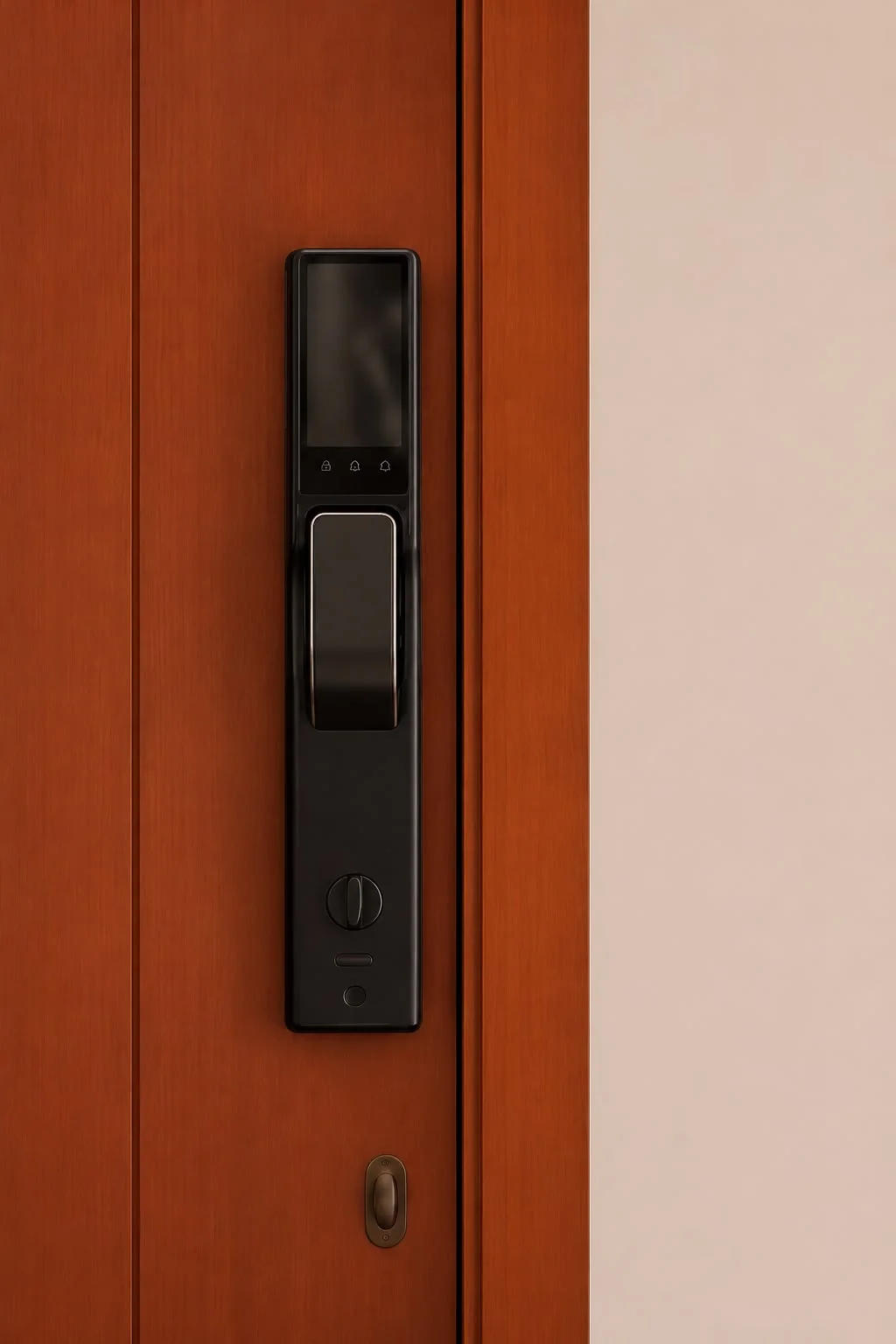
- Door locks: fingerprint, PIN and app access with an entry log
- Sensors: lights that follow you, alerts when a door opens
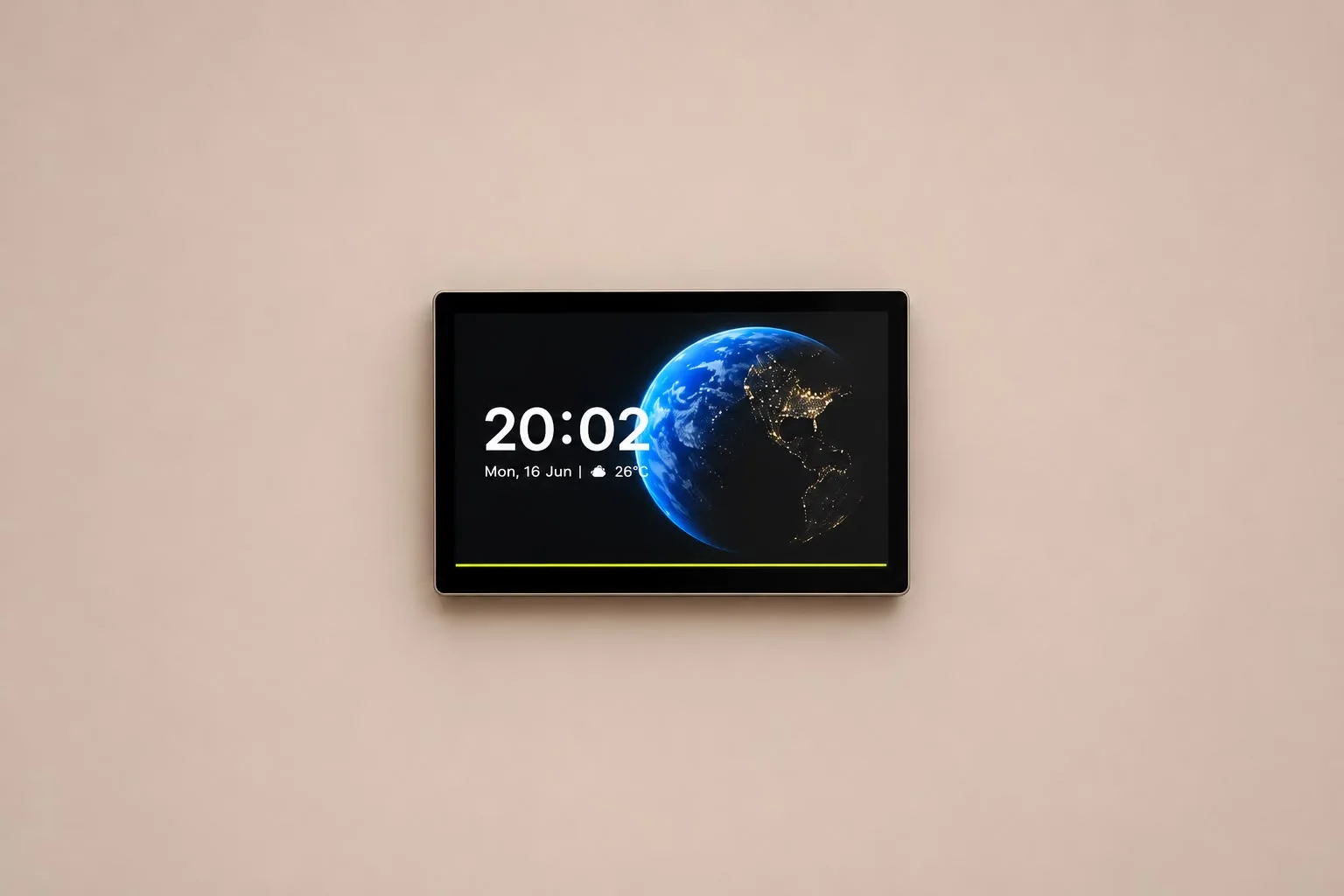
- Control panel: one screen on the wall for the whole house
Starter setup vs complete system
| Starter | Complete | |
|---|---|---|
| Rooms | Lounge and main bedroom | Whole house |
| Devices | Smart switches, dimmers | Switches, curtains, locks, sensors, control panel |
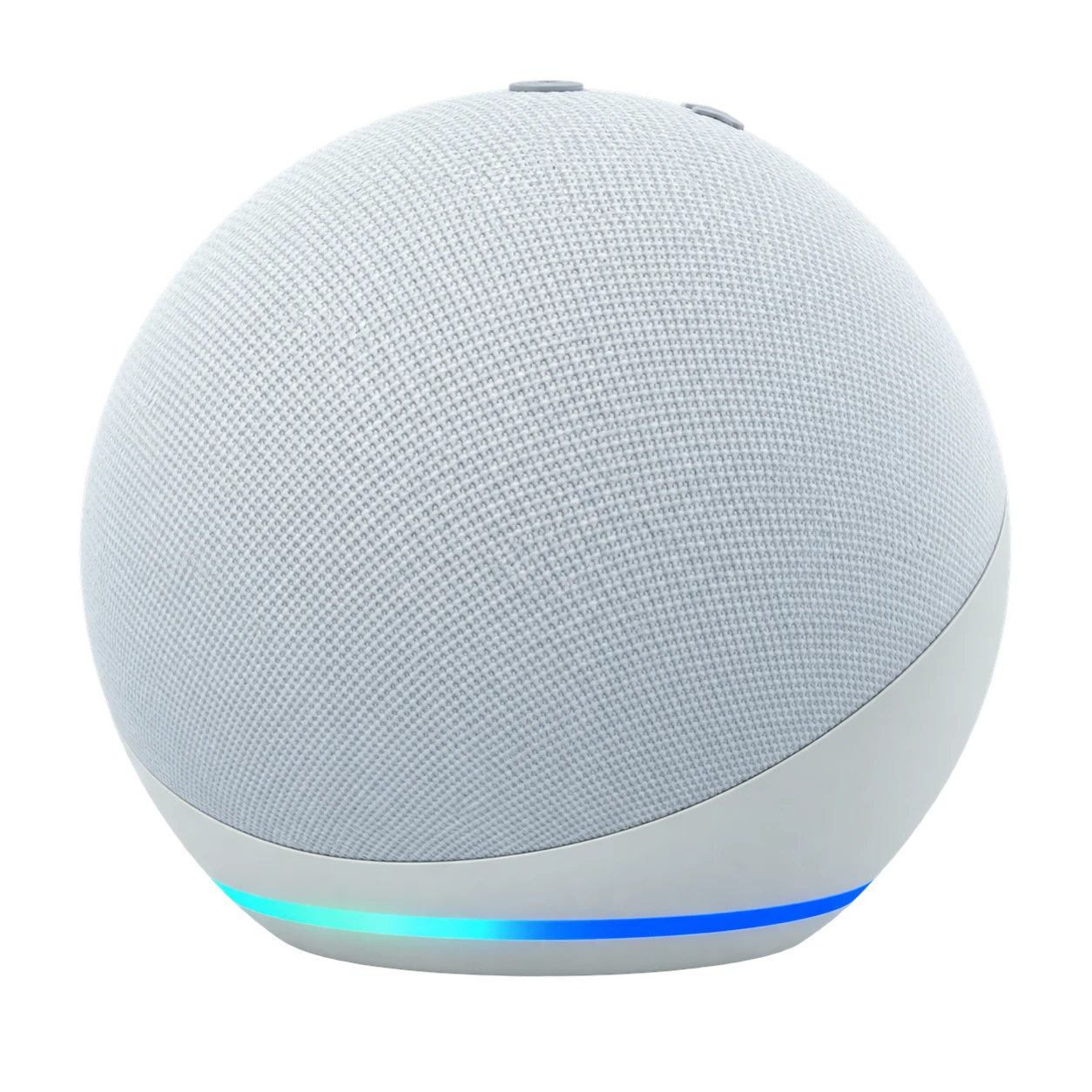
| Control | App and voice | App, voice, wall panel, automatic routines |
| Hub | Optional | Zigbee hub recommended |
5. Get a site survey before you buy
An engineer checks your wiring, back boxes, Wi-Fi and window sizes, then proposes a system with a timeline. It is the easiest way to avoid devices that do not fit your home.
Questions people ask
Can I automate one room first and add more later?
Yes. Devices on the Smart Life app can be added room by room, and a hub lets you grow the system without replacing what you already installed.
How long does installation take?
An apartment is usually done in a few days and a large villa in a few weeks. Neolux gives a timeline with the proposal.
Do I need a control panel?
No, the app and wall switches are enough to start. A control panel adds one screen on the wall for lights, AC, curtains and security, which many families find easier for guests and older relatives.
