


Buying guide
How to choose smart switches for your home
Neolux Smart team ·
In short
Count the circuits on each switchboard to choose 1, 2, 3 or 4 gang switches, use dimmers for lights and fans you want to adjust, and pick Wi-Fi or Zigbee depending on the size of the home. Check the wiring in your back boxes before buying — an engineer can confirm which models suit your switchboards.
Gang count: one button per circuit
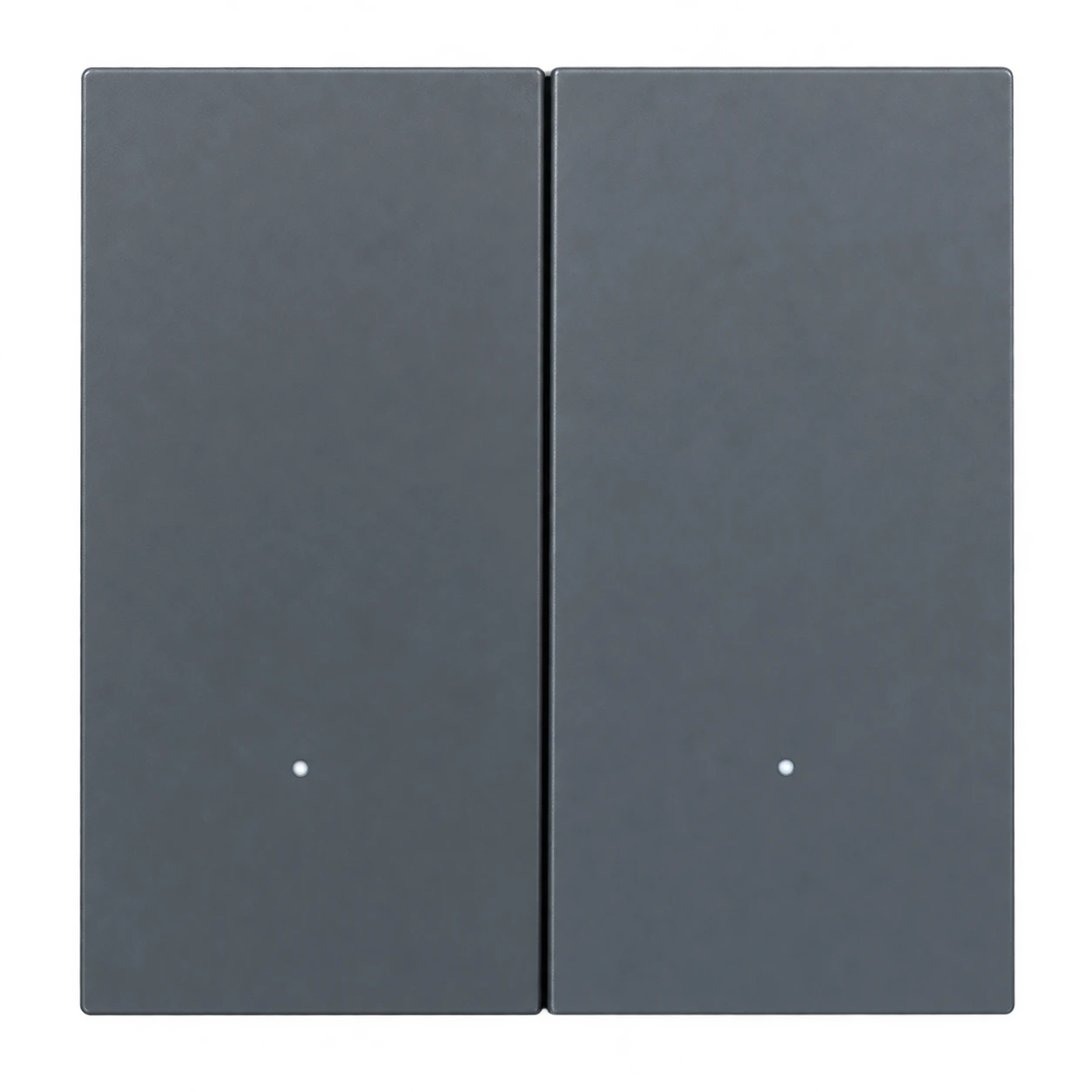
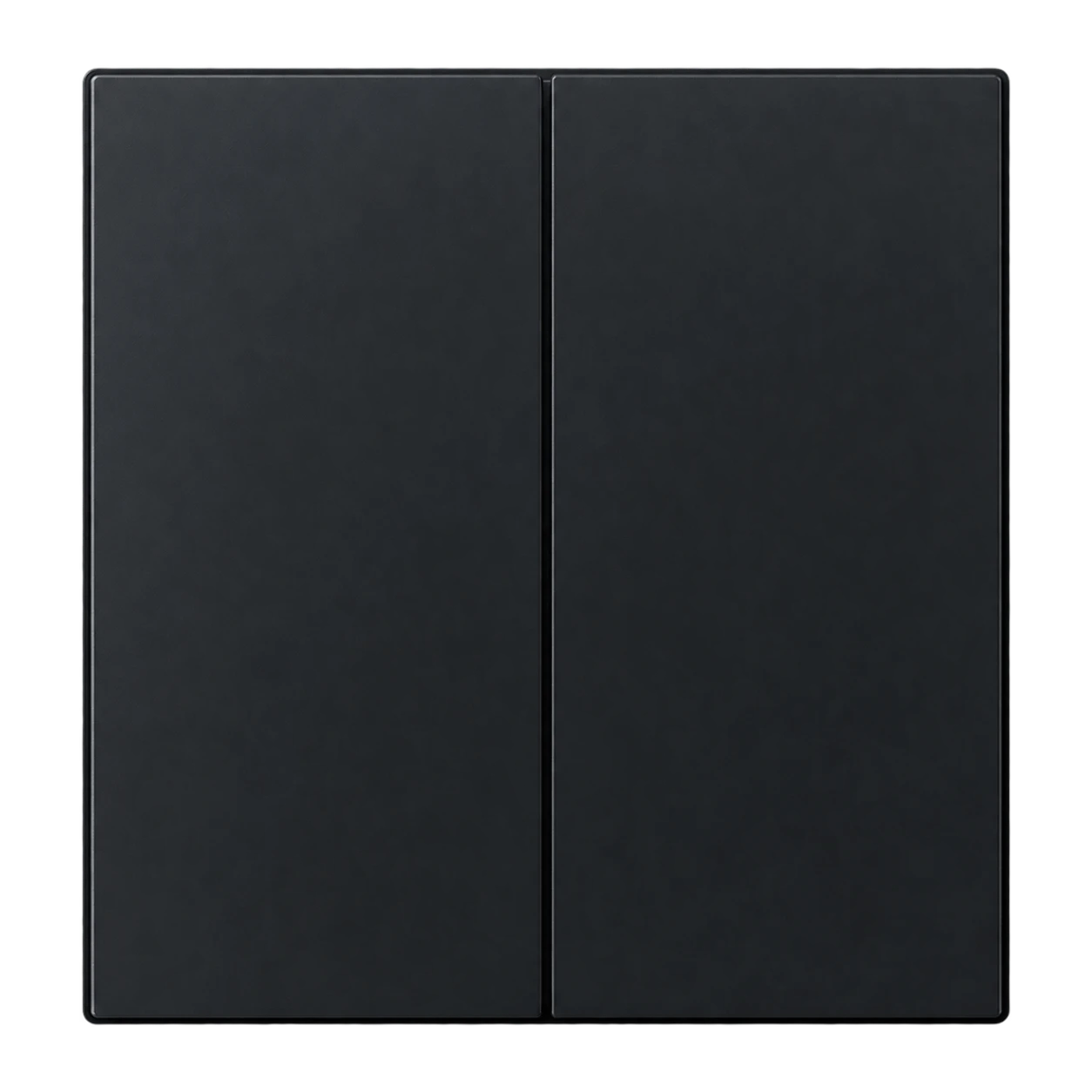
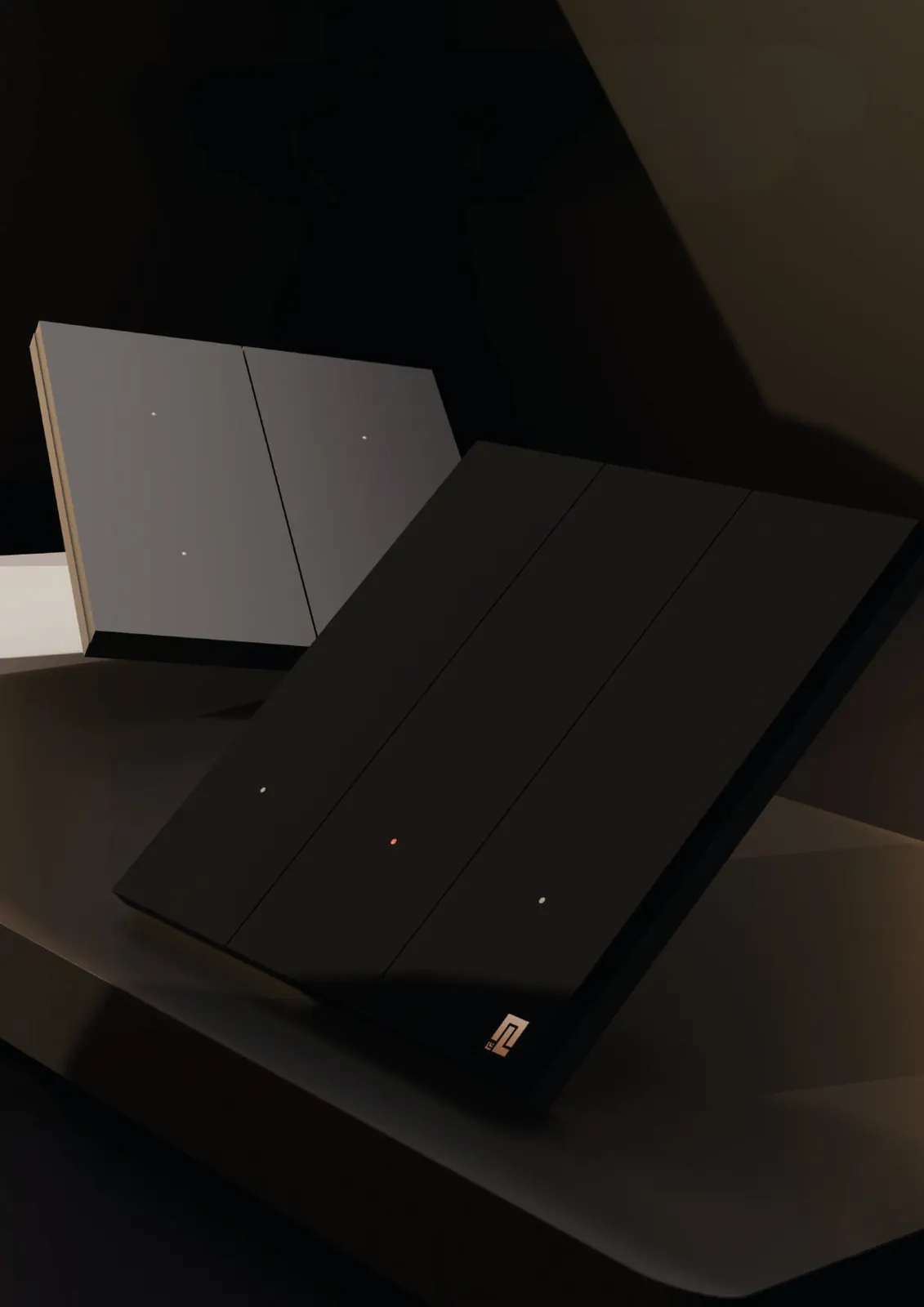
Each gang controls one circuit. A board with three light circuits needs a 3-gang smart switch. Neolux smart touch switches come in 1, 2, 3 and 4 gang options in black, grey and white finishes.
Dimmers and fan control
Use a smart dimmer where you want mood lighting or fan speed control. The Neolux Smart Dimmer & Fan Control dims lights from 1% to 99% without flicker and is controlled by touch, app or voice.
Wi-Fi or Zigbee
| Wi-Fi | Zigbee | |
|---|---|---|
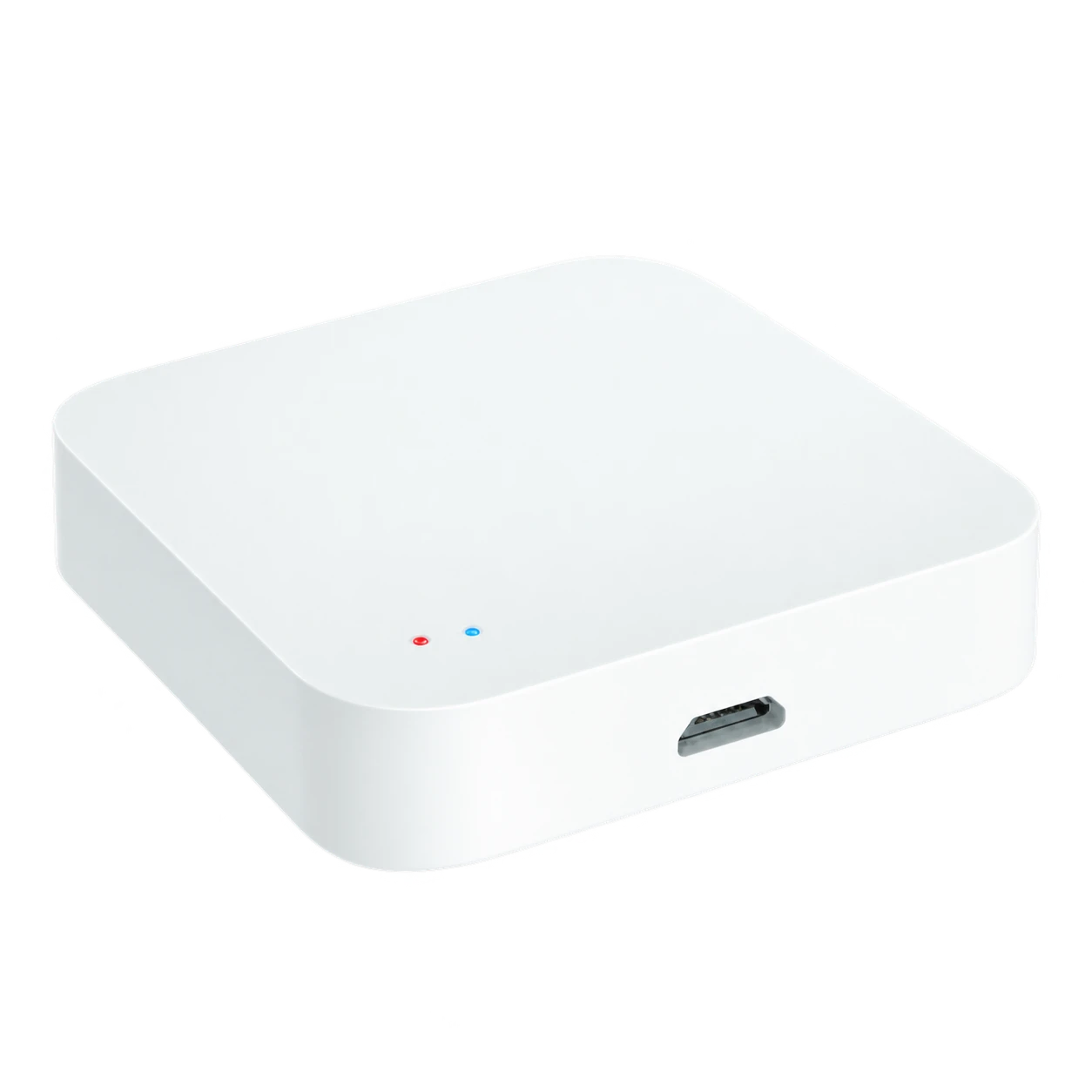
| Needs a hub | No | Yes |
| Best for | Apartments, a few rooms | Larger homes, many devices |
| Router load | Each device on Wi-Fi | Devices talk through the hub |
| Automations | Through the app | Local automations keep running if the internet drops |
Wiring and back boxes
Neolux smart switches fit standard back boxes, so most homes need no rewiring. Some smart switches need a neutral wire at the switchboard; an engineer checks your switchboards during the site survey and recommends models that suit them.
Checklist before you buy
- Number of circuits on each switchboard
- Which lights and fans need dimming or speed control
- Wi-Fi coverage at every switchboard
- Finish: black, grey or white
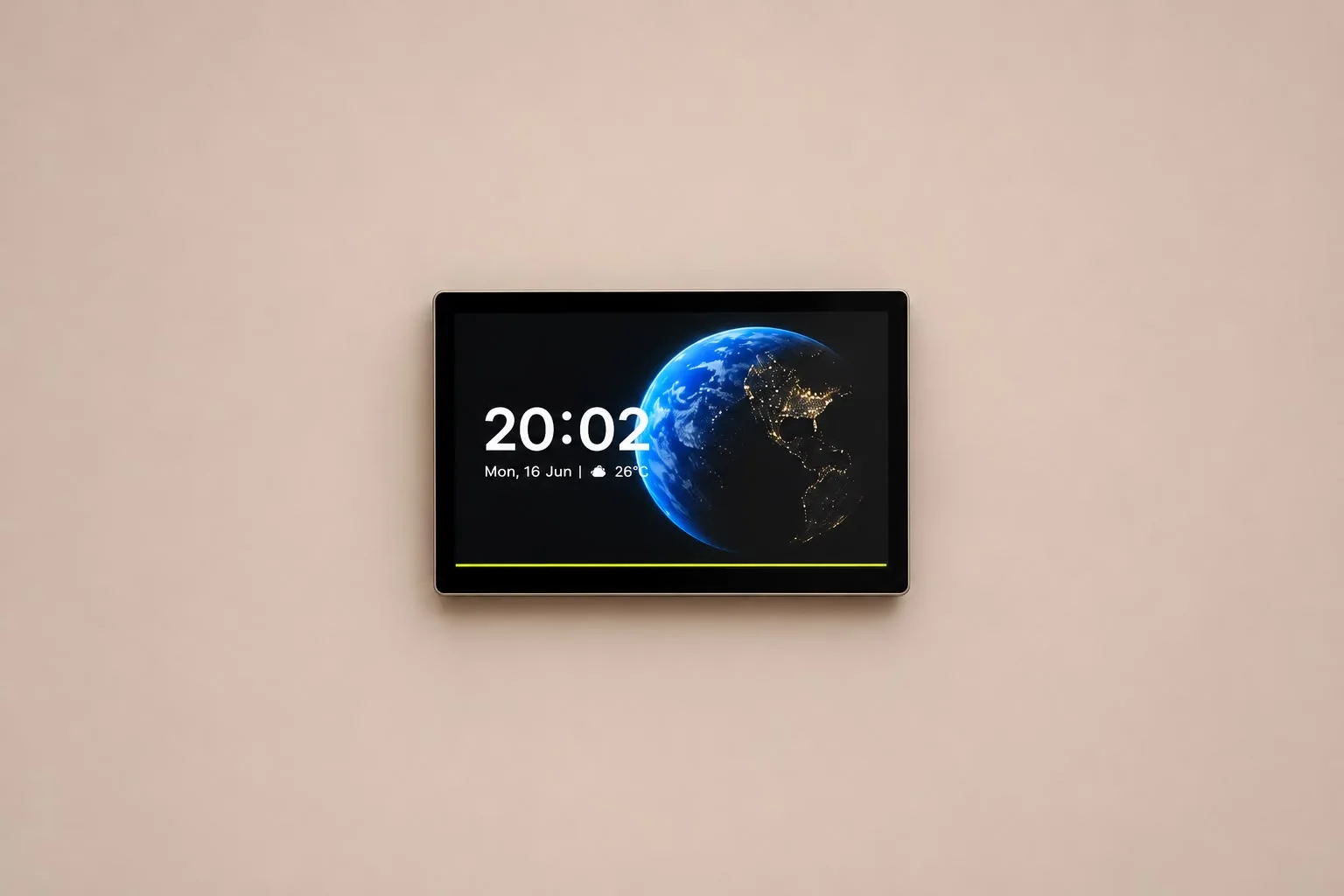
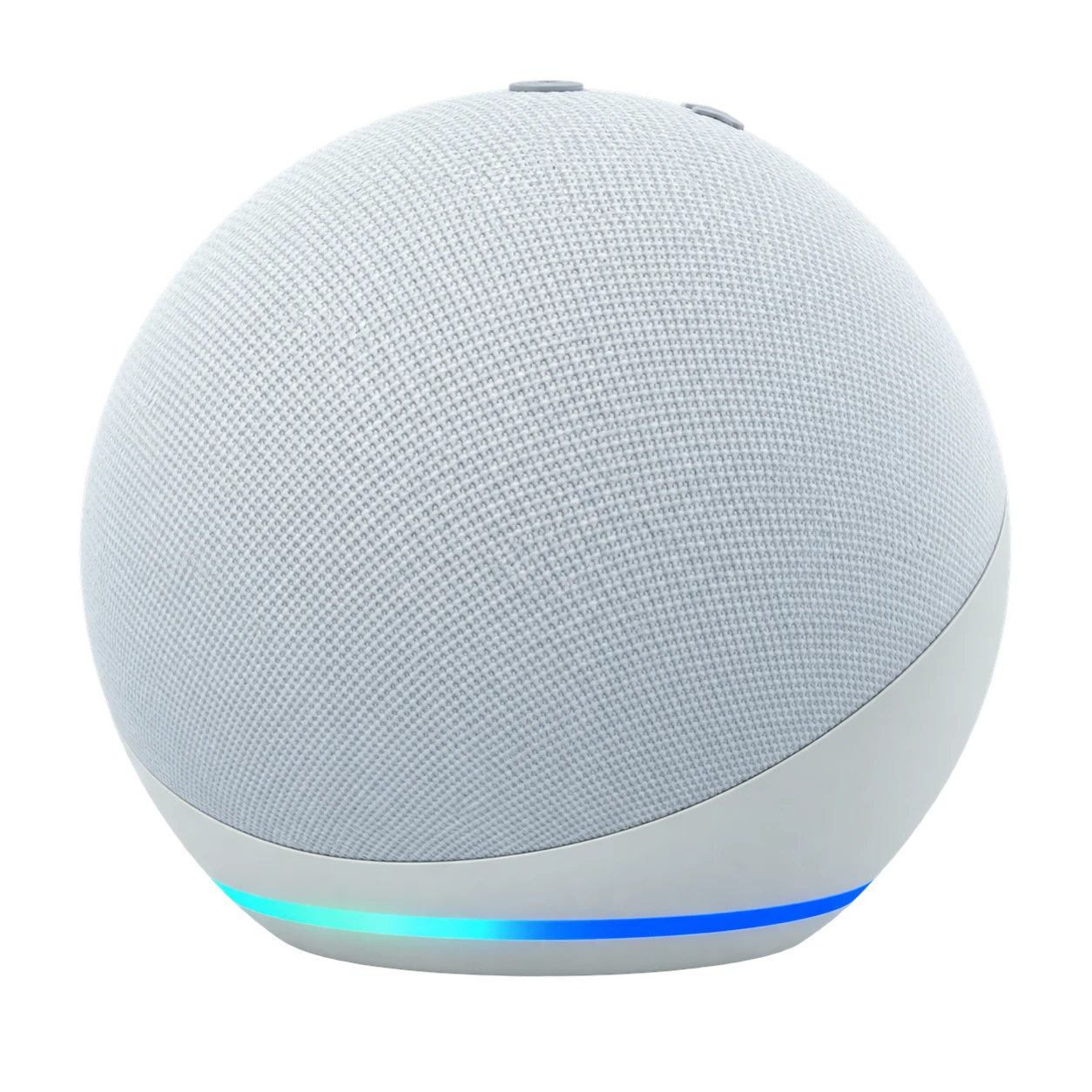
- Whether you want scenes, a control panel or voice control
Questions people ask
Will smart switches work like normal switches?
Yes. A touch on the switch turns the light on or off as usual; app, voice and scenes are added on top.
Can I keep using the switches if the internet goes down?
Yes. Wall switches keep working, and local Zigbee automations continue. Remote app access returns when the connection does.
