


How-to
How to connect your smart devices with Alexa
Neolux Smart team ·
In short
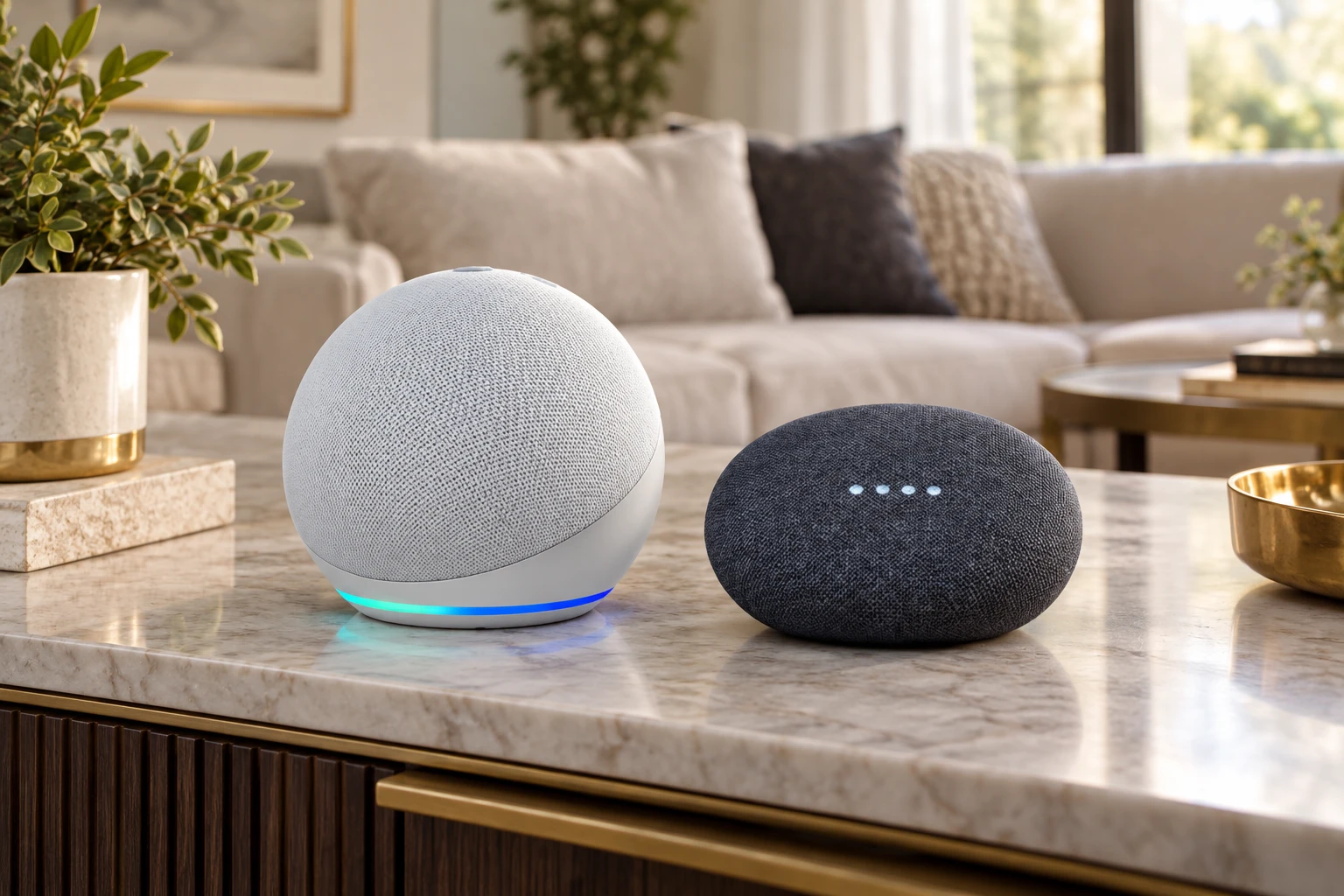
Add your devices to the Smart Life app first, then open the Alexa app, enable the Smart Life skill and sign in with your Smart Life account. Alexa discovers every device, and you can then use commands such as "Alexa, turn off the lounge lights" and build routines.
Before you start
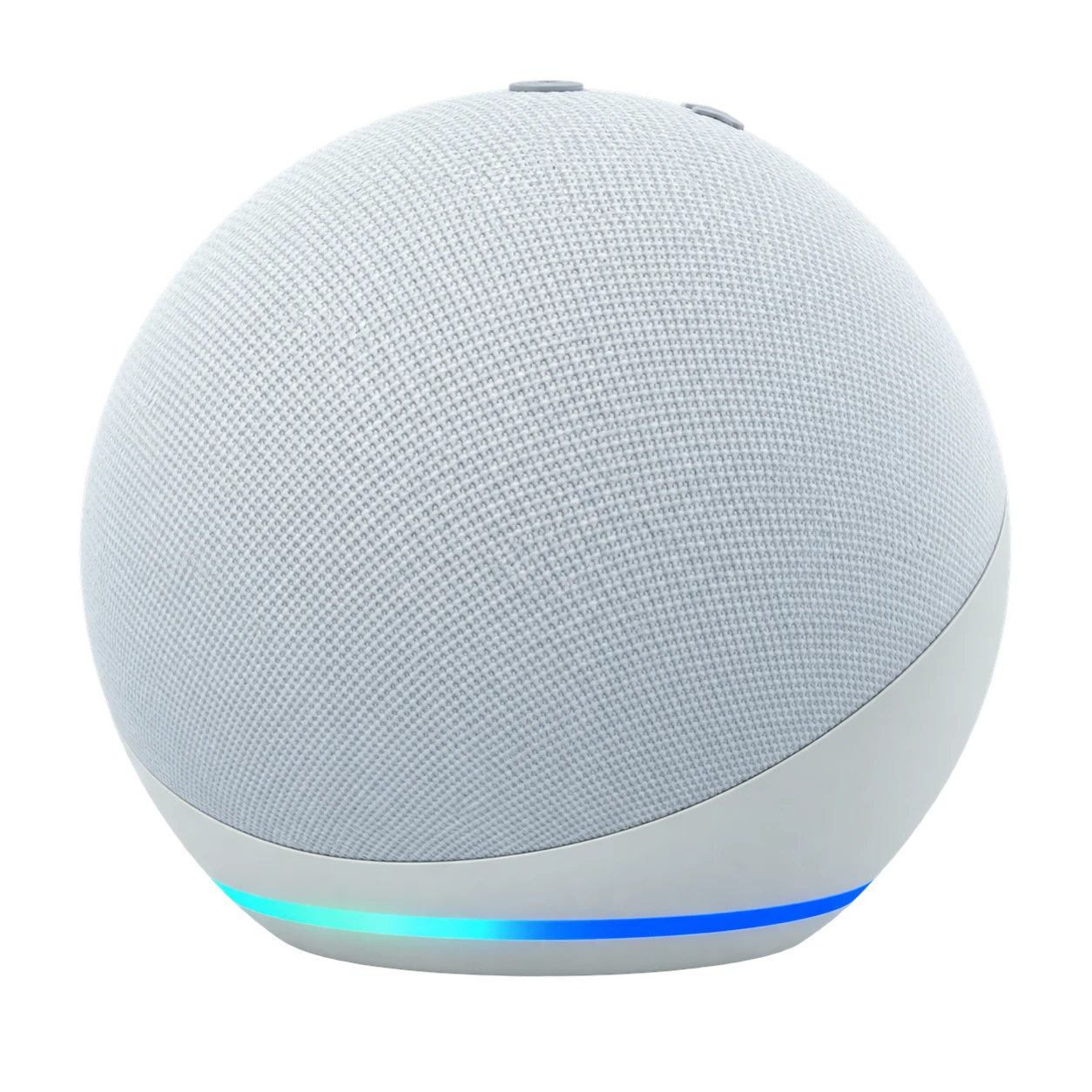
- An Alexa device (for example an Amazon Echo Dot) set up in the Alexa app
- Your Neolux devices added and named in the Smart Life app
- Both apps signed in on the same phone
Step by step
- Open the Alexa app and go to More → Skills & Games
- Search for Smart Life and tap Enable to use
- Sign in with your Smart Life account and allow access
- Tap Discover devices; your lights, curtains and sockets appear in Alexa
- Put devices in groups by room, e.g. "Lounge" or "Master bedroom"
Name devices so Alexa understands
Use short, distinct names such as "lounge lights", "bedroom curtain" or "porch light". Avoid two devices with similar names, and rename in the Smart Life app — Alexa picks up the change after another device discovery.
Routines worth setting up
- "Alexa, good night": lights off, curtains closed, porch light on
- "Alexa, I'm home": lounge lights on, curtains open
- Sunset: outdoor lights on automatically
Using Google Assistant instead
In the Google Home app, choose Add → Works with Google, search for Smart Life, sign in, and your devices appear in Google Home. Commands and room groups work the same way.
Questions people ask
Why does Alexa not find my devices?
Check that the devices show online in the Smart Life app, that the Smart Life skill is linked to the same account, then run Discover devices again.
Can I use Alexa and Google Assistant together?
Yes. Both can be linked to the same Smart Life account, so you can use whichever speaker is in the room.
